











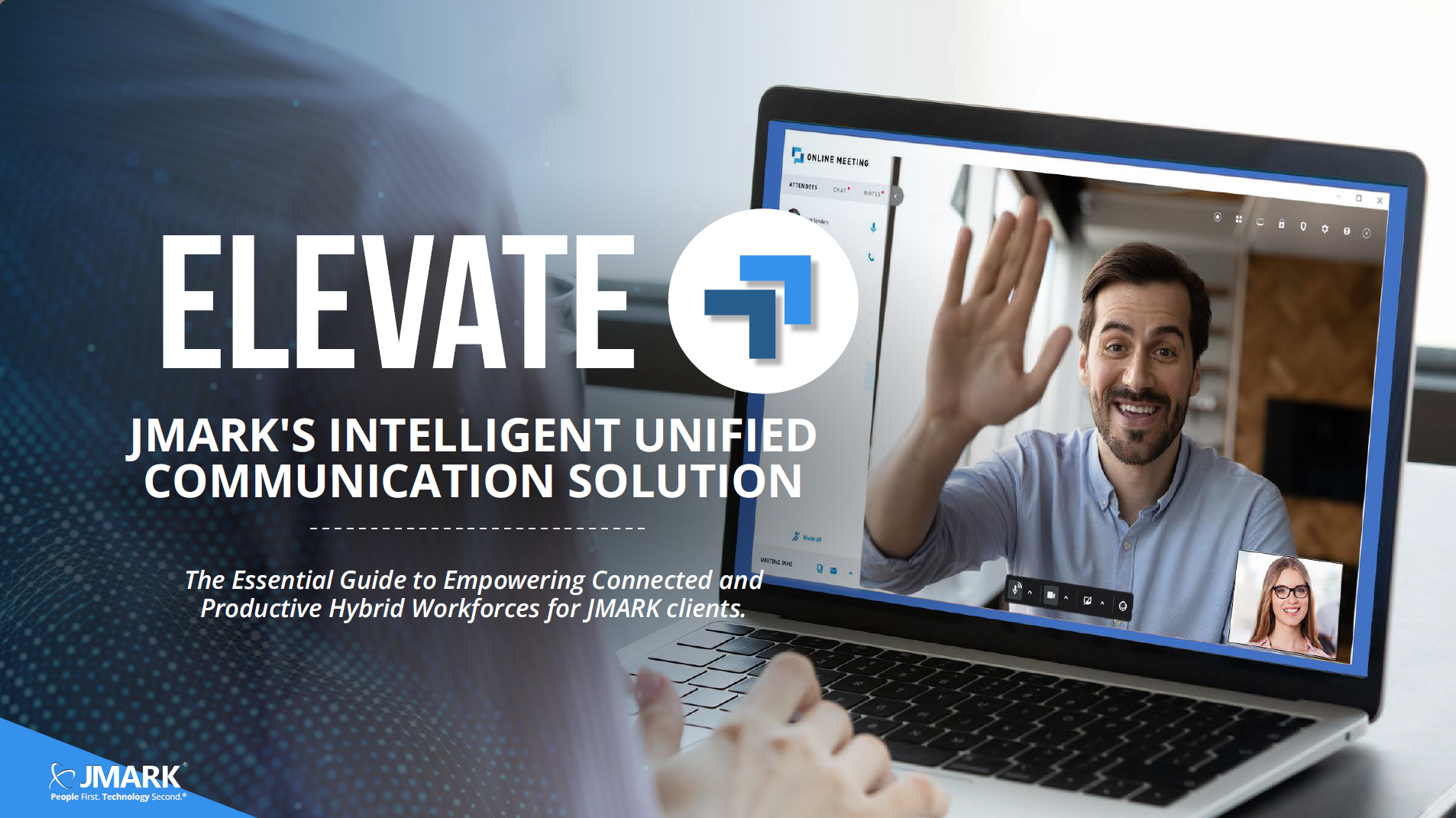

Elevate - JMARK's Intelligent Unified Communication Solution
Introduction No matter where you work, consistent and reliable communication is essential for any business. Your communication pathways, platforms,...

IT built for regulatory scrutiny and cyber risk backed by core system expertise.
HealthcareSecure, always-available clinical systems for patient care continuity.
Education & Public ServicesReliable infrastructure for always-on learning, government services, and mission-driven organizations.
24/7 multi-property uptime for complex hospitality environments.
Professional ServicesProtect billable productivity and client data—for law firms, engineering & consulting, architecture, and accounting.
ManufacturingOperational continuity for production systems and complex plant networks.
The Strategic IT Budgeting Guide
Access Guide ->
We are the stewards for the long-term success of our customers and employees.
Explore our culture -->
Meet the team -->
The #1 Best Place to Work in Southwest Missouri. We put people first.
Working at JMARK -->
Open Positions -->
Updated April 17, 2026
9 min read
No matter where you work, consistent and reliable communication is essential for any business. Your communication pathways, platforms, and processes should ensure your entire organization is as efficient and productive as possible. Even though the way we work may have changed, the goal remains the same: Do the best work with the best people in the best ways.
The problem? Over time, legacy hardware becomes more prone to failures and downtime. Not only does this reduce productivity and potential revenue, but it also increases maintenance costs. And don’t even get us started on the struggles organizations face when trying to stay competitive despite a lack of features and functionalities with their older systems. Outdated or incomplete data, security gaps, increased attack surfaces, and lack of vendor support, to name a few.
One of the biggest issues we hear from organizations regarding their experience with phone systems is inconsistent support and lack of efficiency. This often leads to businesses opting to hold onto hardware they’re familiar with because “if it ain’t broke, don’t fix it.”
As your trusted technology partner, JMARK is committed to helping you stay at the forefront of innovation while also ensuring you can make these changes with confidence. We will provide you with the same level of intention and care with our communication solutions that you’ve come to know through our managed services partnership. Because adaptability, predictability, and consistency should be the standard—whether it’s a computer or phone.
Unified Communications (UC) integrates different communication tools into one seamless system, making it easier for teams to collaborate and stay productive. Think of it like upgrading from a cluttered toolbox with mismatched tools to a sleek multitool. Instead of juggling separate phone systems, video conferencing tools, and instant messaging apps, UC brings everything together to create an omnichannel platform.
For example, say your sales team needs to quickly connect with a remote technician while looping in the office admin for real-time updates. With UC, they can make a quick video call, share files instantly, and resolve the issue faster—without hopping between apps or struggling with missed messages. It’s about cutting out the noise so your team can focus on what matters and meet your customers where they are.
The unified communication solution Elevate (powered by JMARK) gives you a full office communications suite to accompany you—wherever you go. This includes a feature-rich business phone system with video meetings, chat, SMS, contact center, file sharing, and more, with integrated mobile app and desktop apps that allow for wherever, whenever communication.
Communications can be tricky, especially when every business’s needs are different from the next. Often, the experience of a communications solution can leave a poor taste in a company’s mouth—and for good reason. Whether it’s managing a host of apps or dealing with multiple vendors, employing an effective communications solution becomes chaotic. But it doesn’t have to be.
With Elevate, you’ll get an omnichannel solution that’s highly customizable to your needs. That means a communications solution that’s more user-friendly all in one place—all for a predictable, monthly cost.
So, what separates Elevate from the rest? Let’s break it down.
The biggest benefit of having an all-in-one solution? You can now spend less time worrying about how all of your apps will work together and more time on the great work that you and your team are doing—together.
Elevate’s security features help protect user access, secure applications, and defend the cloud infrastructure. Elevate Apps boast several certifications that attest to their commitment to security and compliance. You’ll also gain access to secure data centers, a certified security team, encryption, password management, and 2FA to protect your data from cyberattacks—and give you peace of mind.
Automate repetitive tasks like generating content and summarizing interactions, helping your team work more efficiently. Leverage AI-driven analytics and agent evaluations to personalize customer interactions, optimize performance, and keep your team's focus on the conversations that matter most to your business.
No more calling three to four different vendors to troubleshoot each part of your systems. Like our managed services, Elevate is wholly implemented and supported by JMARK. We’ll take care of your needs in-house and facilitate escalations ourselves so your experience is consistent and comfortable. This means that you’ll receive 24x7x365 support from the same JMARK team members that you know and love, as well as the same response times you’re used to.
Company Messaging is a business SMS and MMS texting solution that enables your main business phone number to send and receive text messages (SMS/text and MMS/picture). Within the Elevate desktop and mobile apps, groups of one or more users in the business can receive and instantly respond to customers' texts, giving optimal customer service.
JMARK uses proprietary VoIP tests to ensure a reliable connection and high voice quality, as well as redundant East/West data centers to increase reliability and reduce latency.
Consolidate voice and data onto one network and reduce infrastructure and operating costs with no additional hardware to buy.
Elevate will automatically ring to all of your endpoints (desk phone, mobile, etc.) with every call. If you don’t answer, you can route the call to any number you choose—such as a branch office, automated attendant, mobile number, etc.
Remember the bit about customizing Elevate to your business’s needs? Our communication solution lets you order service according to the exact number of users, have a clear view of agent call data, see service utilization statistics, generate reports, track KPIs, and more. All within the platform.
At JMARK we believe in transparency, meaning you know exactly what you’re getting from the start. Below, you’ll find a list of the components that make up Elevate and how they’ll benefit your organization.
Now you might be thinking this all sounds great, but how does it work? We’ve got you covered. Check out some of Elevate’s features and get a glimpse of the system’s functionalities, user experience, and features in the following demo videos.
Ready to dive in? Let's get started.
Easily set up calling on your computer or desk phone with this feature. Use softphone mode for hands-free calling directly from your computer or call controller mode to manage desk phone calls from your screen. This setup gives you flexibility, simplifies call handling, and helps you stay productive—whether you’re at your desk or working remotely.
Quickly check a user’s availability to know when they’re free for calls or meetings. This feature helps you avoid disruptions, plan better, and stay connected with your team more efficiently.
Place calls using the dial pad, your contacts list, or directly from a chat. This feature streamlines your communication, letting you connect faster and stay productive without switching between tools.
Effortlessly schedule, join, or start meetings with this feature. Use in-meeting tools like screen sharing and chat to keep collaboration seamless and productive, whether you're working remotely or in the office.
Easily manage calls with features like “flip,” “park,” and “transfer.” Flip lets you switch devices mid-call, park holds a call for another user to pick up, and transfer ensures seamless call routing. These tools help you stay efficient and responsive.
Easily stay connected with 1:1 and group chats. Set favorites for quick access, search chat history to find key conversations, and send texts to mobile numbers—all from one convenient platform. Stay organized and responsive while keeping communication simple.
Access and manage your voicemails, call history, and voicemail settings—all from one convenient place in the app. Stay organized by reviewing past calls, adjusting voicemail preferences, and keeping track of important messages with just a few clicks.
Securely access, save, share, and collaborate on files and folders with the Files feature. Keep your documents organized, work together in real time, and control file permissions for enhanced security—all in one easy-to-use platform.
Looking for a smoother collaboration experience? Elevate for Microsoft Teams Advanced makes it easier than ever to stay connected. Explore key features designed to streamline communication, simplify call handling, and keep all your conversations in one place. See how Elevate transforms your Teams workspace into a more powerful, all-in-one hub for productivity in the demo videos provided in the following pages.
Ready? Let's go.
Easily send and receive text messages using the Elevate Teams Embedded App. Stay connected with your team and clients directly from the app, keeping conversations organized and accessible in one convenient platform.
Quickly check a user's availability directly in the Elevate tab within Teams. This Microsoft Teams integration makes it easy to see when team members are free for calls or meetings, helping you collaborate more effectively without leaving your workspace.
Seamlessly place calls directly from the Elevate tab within Teams. Whether you’re reaching out to contacts, dialing manually, or connecting from a chat, this feature simplifies communication, helping you stay connected and productive without switching apps.
Manage calls within Microsoft Teams using features like “flip,” “park,” and “transfer.” Flip lets you switch devices mid-call, park holds a call for another team member to pick up, and transfer ensures smooth call routing—all from the Elevate tab. This seamless integration keeps communication efficient and centralized within Teams.
Access and manage voicemail, call history, and voicemail settings directly from the Elevate Teams Embedded App. This Microsoft Teams integration keeps your call data centralized, making it simple to review messages, track call activity, and adjust voicemail preferences without leaving the Teams workspace.
With Elevate, the cost of your solution depends on a few factors. First, the seat cost for a user license can vary depending on the license and features each person needs, with more users decreasing the per user license cost, or volume-based price.
Additionally, items like physical phones and feature add-ons can change the pricing. We've provided a chart to help you estimate the cost for your business, but to get a clear idea regarding the price of your personalized solution, it’s best to schedule a call with one of our team members.
Use case: Users with basic call and video conference needs who do not need SMS.
Features: Includes Cloud Private Branch Exchange (PBX) with unlimited local and long-distance calling, connection to 1 device, Chat, Online Meeting (4 web participants per meeting), and file sharing (5 GB). Does not include Business SMS.
Use case: This is the most common option for businesses due to its plethora of features and the scalability it provides to leaders.
Features: Includes Cloud PBX with advanced call center, unlimited local and long-distance calling, connection to up to 5 devices, Chat, File Sharing (50 GB/user), WebFax, Online Meeting (100 web participants per meeting) and Business SMS.
Use case: If a user does not need external calling, but does need access to internal calling, chat and video conferencing.
Features: Includes team chat, HD video conferencing (100 web participants), screen sharing, file sharing (50GB), and extension dialing accessible through Elevate desktop and mobile apps. Does not include E911 and external calling.
Use case: Users who are already utilizing Teams will find this option useful as it integrates seamlessly and allows for companies to have one central system for their communication needs.
Features: No additional Microsoft phone license is required. Integrated into Microsoft Teams, this license includes Elevate advanced communications features such as full-featured PBX, SMS, advanced hunt groups, auto attendant, queuing, CRM integrations, unlimited local and long-distance plus calling to 33 countries, and analytics, all accessible via the Elevate icon within the Teams desktop app. MS Teams is used for collaboration features such as chat and meetings. One license is required for each user.
Use case: Allows businesses to significantly improve their customer service operations by providing them the ability to manage customer interactions across multiple channels, leading to enhanced customer experiences, increased productivity, cost-efficiency, and flexibility to adapt to changing business needs. Meet their customers where they are.
Features: Concurrent license for full-featured, omni-channel capable contact center platform with rich reporting and management. Includes voice channel only. Other channels sold separately.
Use case: This license includes all of the benefits and features from the Contact Center Pro License, with the addition of the business application integration.
Features: Concurrent license for omni-channel contact center platform including voice, email, web chat and SMS with rich reporting, management and custom integrations.
As the way we work changes, connecting becomes crucial for company success. That’s why we’re excited to introduce Elevate. As your trusted technology provider, JMARK has vetted and tested hundreds of products to ensure Elevate helps you stay aligned, collaborative, and intentional in every part of your business.
Elevate doesn’t just add another platform to your technology stack. It gives you a greater connection. It helps your employees, your clients, and your business communicate with each other clearly and seamlessly. And at JMARK, it ensures you get the same quality of service and care as you would with our managed services. No more back and forth between third-party vendors. Just a direct line to JMARK’s team for all your needs.
So, here’s the question: Are you ready to level up your connection? Contact your CRM today and learn more about the product, pricing, and how we’ll make this transition seamless for you.
Let’s get to work.
Introduction No matter where you work, consistent and reliable communication is essential for any business. Your communication pathways, platforms,...

Introduction Every leader has that moment. Maybe it’s the second hour into an audit or the third “urgent” email from IT this week. You look at the...
Executive Perspective Business leaders now field specific pitches about AI-enabled forecasting in their ERP systems, virtual assistants within their...